The warp tool is another Cricut Access feature, so if you don’t have it, you can jump right to the bottom of the email for my newest YouTube video instead.
If you do have Cricut Access, you can use the Warp Tool to distort words and lines of text.
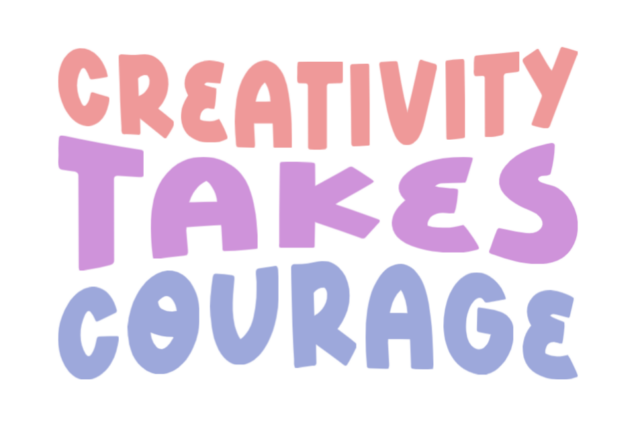
The image below is 3 individual lines, each with one word.
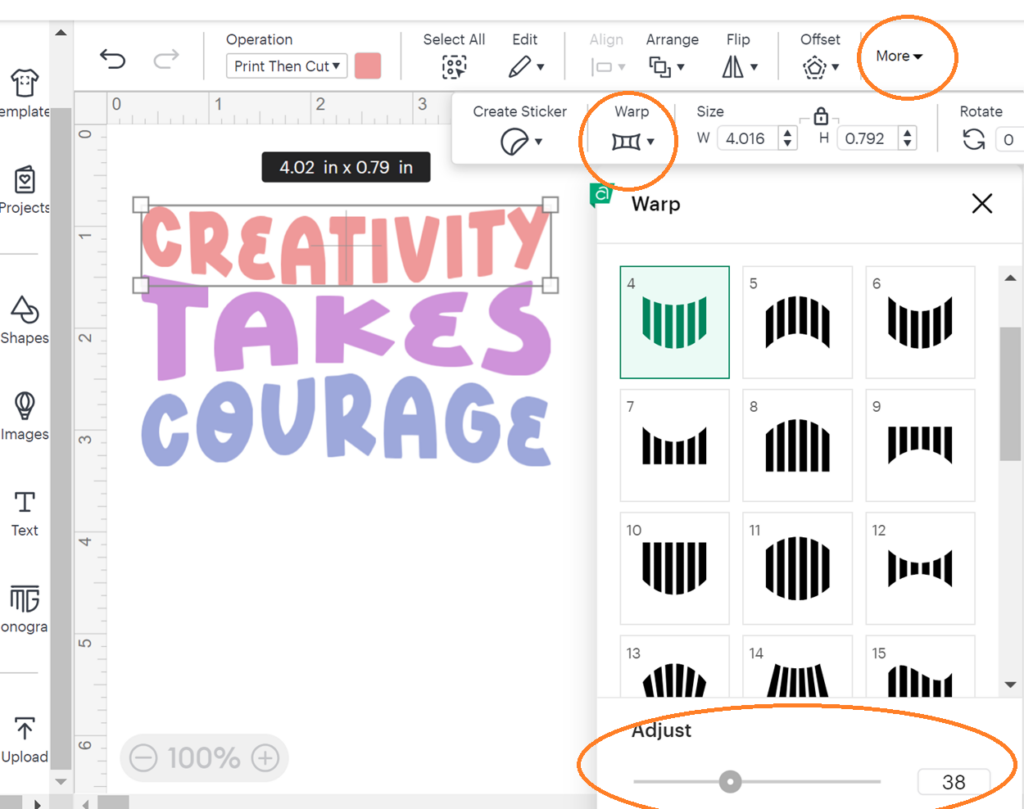
While one word / line is selected, click to the Warp menu (it may be under More like on mine.) Then you can choose from the visual options of how the text will warp.
I did one curved on the bottom, one curved in from top and bottom, and one curved on top.
Play with the adjust slider to change the amount of curve / warp.
The font I used above is called BFC Foxy, in case you want it find this exact one.
In general, blocky or straight fonts will look better than script, but I always recommend trying a few font options to see what you like.
Today’s Tip: Warp Tool in Design Space
- Warp tool is a Cricut Access feature
- Use it to shape words or lines of text